How to Grade Essays Faster: Time‑Saving Tips for English Teachers
Aaaaah. The essay‑grading burden of the English teacher. If you’re staring at a stack of essays and wondering how you’re supposed to grade them all without losing your weekend, you’re not alone. Grading writing is one of the most time‑consuming parts of teaching ELA, and it can feel impossible to keep up.
After wrapping up my recent series on teaching writing, (Get started reading that series here at the first post.)I wanted to share an encore focused on the part we all struggle with most: grading essays faster, giving meaningful feedback, and managing the workload without burning out.
Below are five practical, time‑saving strategies that help English teachers streamline the grading process and stay sane during essay season.
1. Build Smart Deadlines Into the Writing Process
- Plan checkpoints throughout the writing process and have students submit thesis statements, works cited drafts, or first paragraphs through Google Classroom (or your LMS). These mini‑check‑ins let you catch mistakes early, give quick feedback, and save hours later when you grade the full essay.
- Offer extra credit for early submissions. Grading essays as they trickle in prevents the dreaded “all‑at‑once” pile.
- After the final due date, plan a hands‑off class activity — a film, stations, or independent reading — so you can carve out focused grading time. I typically spend 8–12 minutes per 500–700 word essay, so I have to intentionally block that time. If you want to make movie days more productive, check out my no‑prep literary movie guides.
Read more about how to make showing movies in class more productive here…. and take a look at my collection of no-prep literary movie guides here.
2. Use Efficient Essay Grading Tools and Rubric
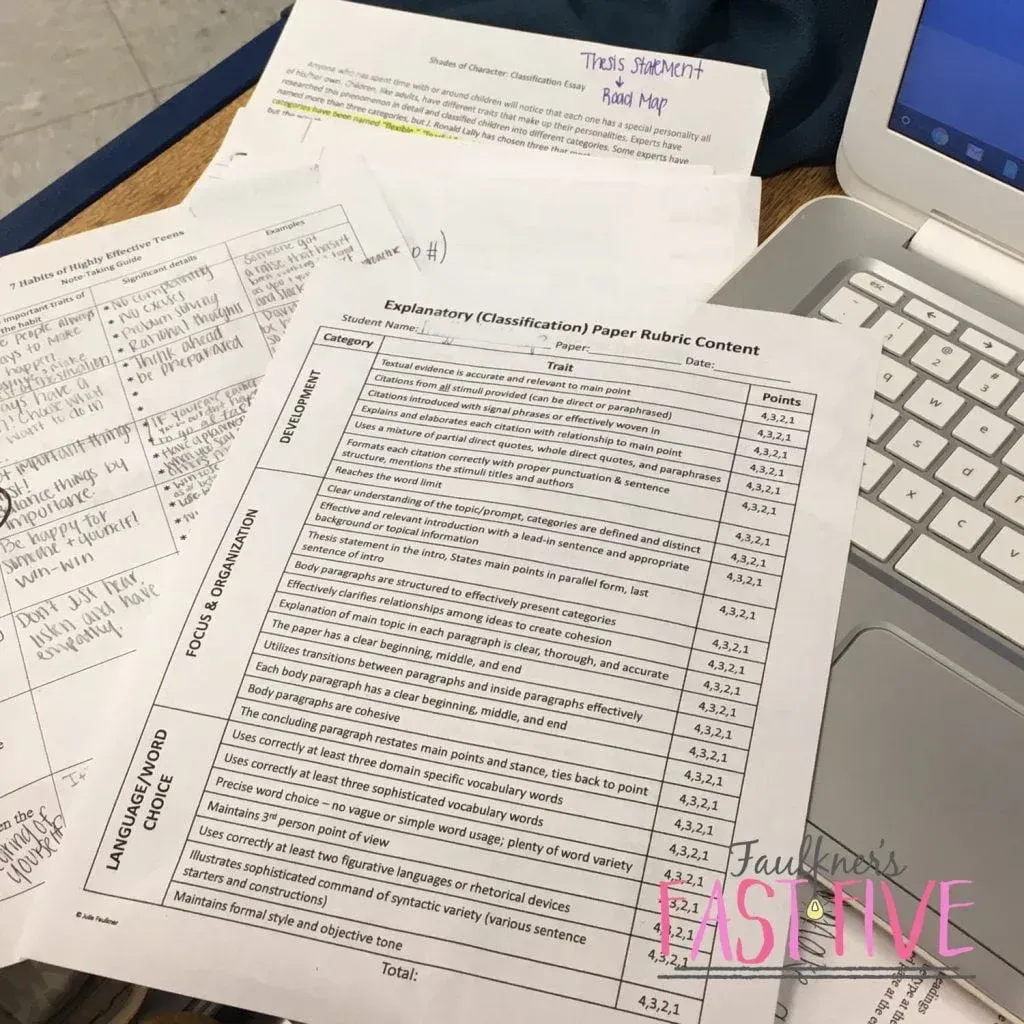
A clear, task‑specific rubric is one of the fastest ways to grade essays efficiently. I use separate rubrics for content, grammar, and MLA. It sounds like more work, but focusing on one skill at a time actually speeds up the process and improves accuracy.
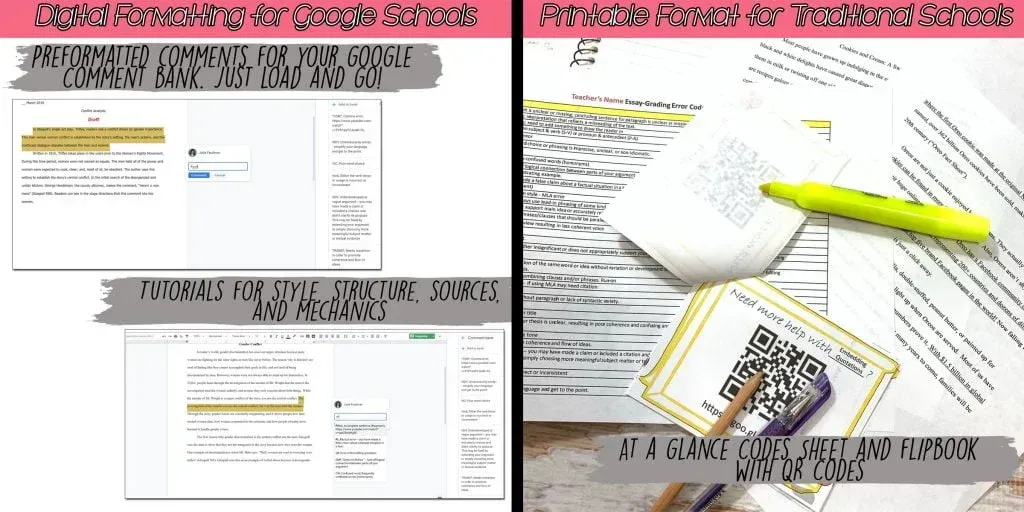
- Create a code sheet for common errors. I use one for printed essays and another loaded into my Google Comment Bank. I’ve even added video tutorials so students can click for extra help. Those rubrics are in my complete writing curriculum.
- Don’t feel obligated to mark every single error. If a student repeats the same mistake, I mark it the first few times and deduct points accordingly. It saves time and avoids overwhelming the student. I explain patterns in my final note so they know what to work on next. see what else I say in final notes here
- Get those digital and printable, fast-and-focused feedback materials here!
3. Set Clear Essay Requirements to Save Time
If you can control the assignment length, use it strategically. I set
word minimums and maximums. Struggling writers need the minimum to stay accountable, and high‑flyers need the maximum to stay concise. Holding students to both ends keeps grading manageable and improves writing quality.
4. Protect Your Energy While Grading Essays
- Be honest with students about how long it takes to grade writing. Don’t promise a turnaround you can’t sustain.
- Spread your grading over a few days so your brain stays fresh. When I try to power through a full stack, my focus drops fast.
- Practice real self‑care: hydrate, sit comfortably, and choose good lighting. I love grading on my porch in the morning or by a bright window.
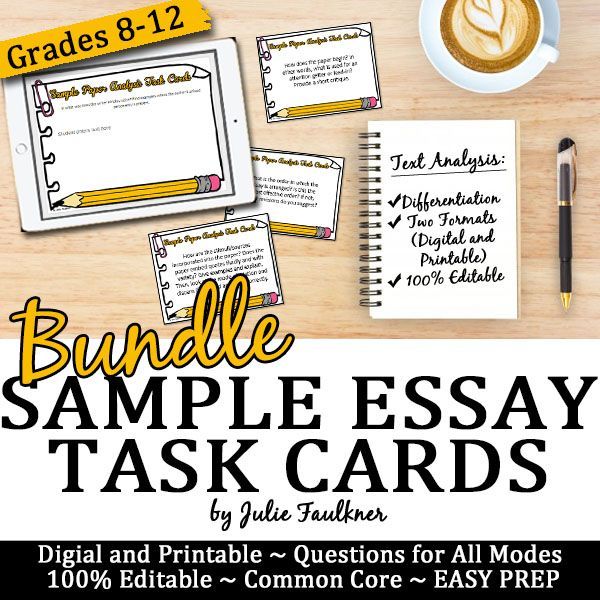
- Let students grade! Give them self-reflection forms or task cards set up in stations to guide their grading. Train them on sample papers against the rubric, and let them self-score or peer-review. With my
Feedback on Writing Essays Bundle, you get all of this!
5. Go Digital to Speed Up Essay Feedback
- If it works for you, have students submit essays electronically. Typing comments is often faster than handwriting them. Some teachers even use audio feedback tools.
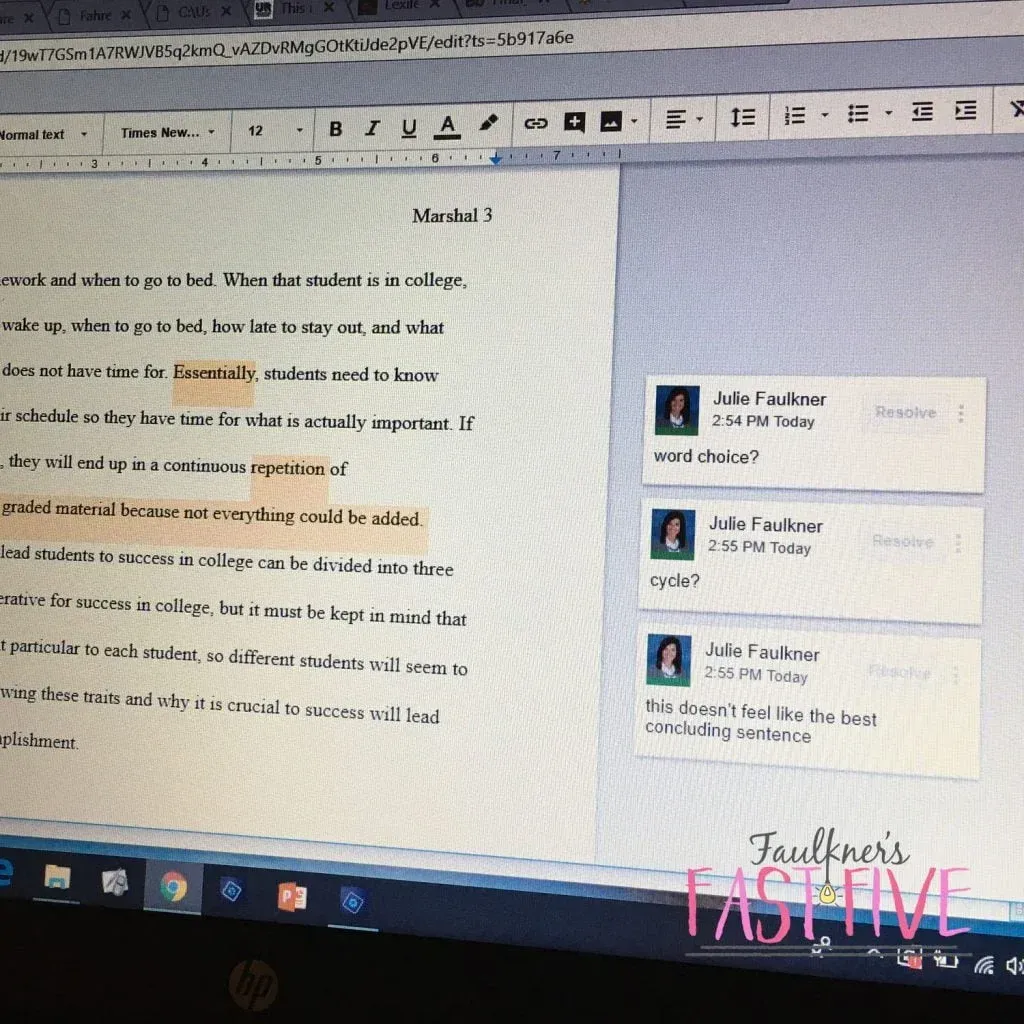
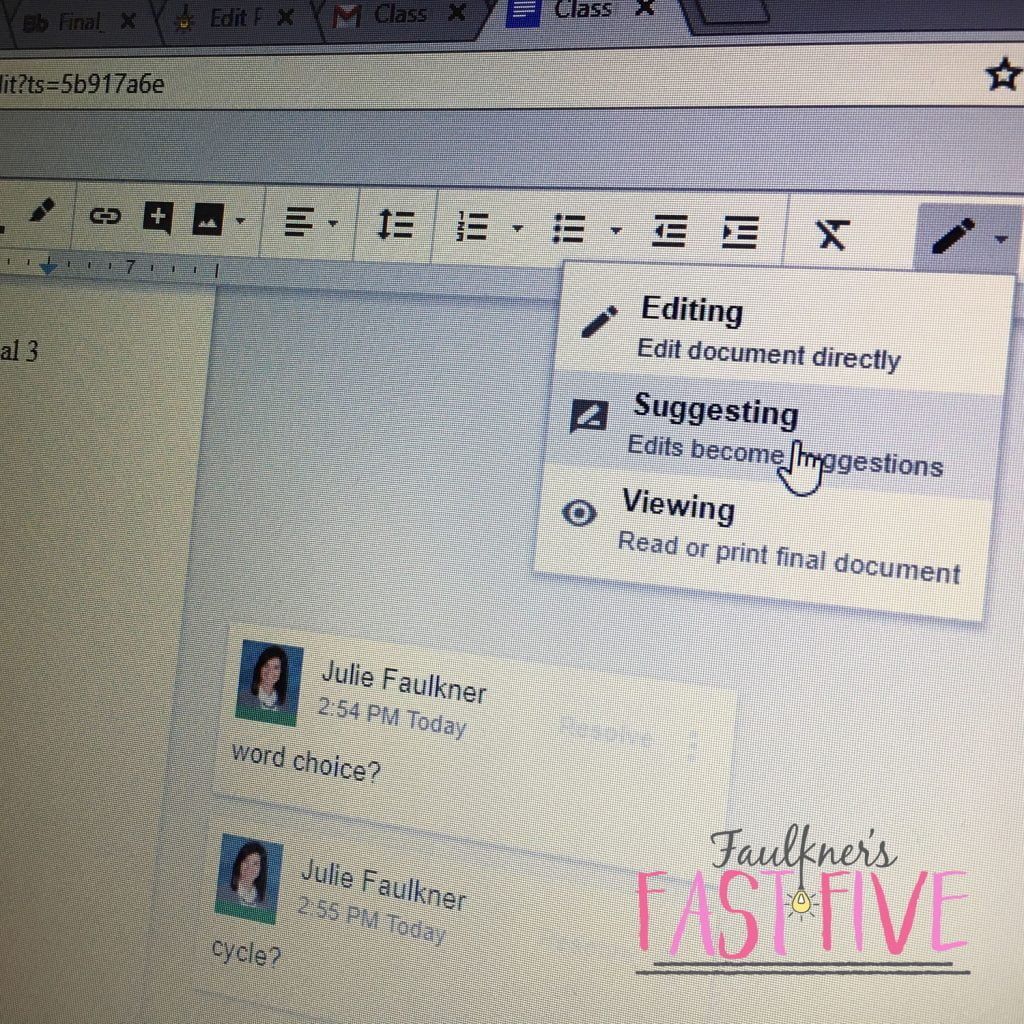
- In Google Docs, Suggesting Mode makes it easy to leave comments along the margin. Students get instant feedback, and you can reuse comments from your bank.
- I still have students turn in a hard‑copy rubric, but you can also use a digital rubric if that fits your workflow.
- I use Google Docs and have students share with me. In this format, you can switch to suggesting mode to leave comments along the side of the screen. You can also see the history here, which is excellent for checking use of AI.
Conclusion
At the end of the day, there’s no single perfect system for grading essays quickly, but there are strategies that make the workload more manageable. Students need more than a score — they need meaningful, actionable feedback from the expert in the room.
But that doesn’t mean you have to sacrifice every evening or weekend to make it happen. With smart deadlines, efficient tools, clear expectations, and a little self‑care, you can grade essays faster while still giving students the high‑quality feedback they deserve.
Teaching writing is demanding, but it’s also one of the most impactful things we do. Helping students grow as writers is a burden worth bearing — and with the right systems, it doesn’t have to be an overwhelming one.


Love this content?
Sign up for my email newsletter with more tips, ideas, success stories, and freebies!